Estimates you can check
How accurate
is BiteRight?
BiteRight estimates the foods, portions and nutrients in a meal. This page explains how an estimate is made, what changes it, and how to get a better result.
Last updated:
Jump to photo tipsInternal test of portion weights
87%
of portion-weight estimates were judged correct, compared with food portions measured by weight.
Internal evaluation reported by BiteRight. Sample size and acceptance tolerance are not yet published. It measures portion weight only, not nutrient composition, and it is not clinical validation.
How an estimate is made
From a meal to nutrient values.
The same three steps run whether you log by photo, voice or text.
See the food-data sourcesRecognise the meal
Machine learning interprets your photo, voice note or text and identifies the likely dish.
Break the dish into ingredients
Custom and mixed dishes are split into likely ingredients and portions, rather than relying on an exact dish-name match.
Look up the nutrients
Nutrient values come from national food-composition databases such as USDA FoodData Central, CoFID and ANSES-Ciqual, not from a generated answer.
What changes the result
Some things a camera cannot see.
- Hidden ingredients
- Cooking oil, butter, dressings, sugar and sauces are often invisible in a photo, yet they can add a lot of energy.
- Portion size and depth
- A photo shows the top of a plate. A deep bowl or a stacked portion can hold more food than it appears to.
- Mixed and regional dishes
- Stews, curries, wraps and home recipes vary widely. The same name can describe very different meals.
- Preparation
- Fried, grilled and steamed versions of the same food have different nutrient values.
Take a better meal photo
About 30 cm away.
Whole plate in view.
Hold your phone about 30 cm from the food
That is roughly the length of a ruler. Close enough to show detail, far enough to keep the whole plate in view.
Fit the whole meal in the frame
Include every item you plan to eat, with nothing cut off at the edges.
Use even light
Daylight or a bright room works best. Avoid strong shadows and dark corners.
Keep it in focus
Tap the screen to focus before you take the photo.
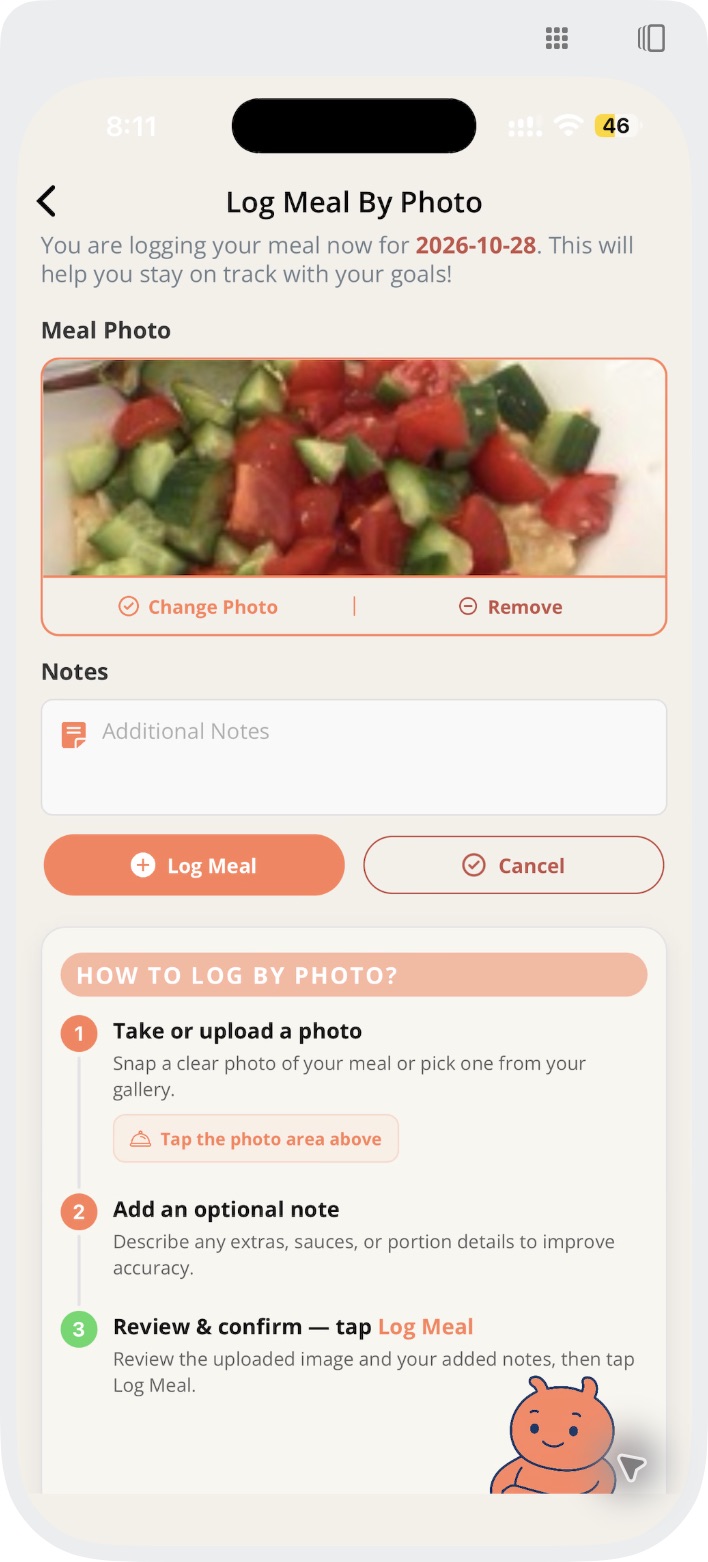
Fix what looks wrong
You have the final say.
An estimate is a starting point. A few details from you can make the record closer to what you ate.
See a corrected meal step by stepAdd what the camera cannot see
Describe oils, sauces and fillings by voice or text, so they are part of the meal record.
Set the serving
If you know the amount, enter a total serving, for example 280 g, and log the meal again.
Check the saved result
Review the foods, serving and ingredient split in your meal record before relying on the values.
Questions about accuracy.
How accurate is BiteRight?
BiteRight gives estimates. In BiteRight's internal testing, 87% of portion-weight estimates were judged correct when compared with food portions measured by weight. Sample size and acceptance tolerance are not yet published, the test covers portion weight only, and it is not clinical validation.
How far should I hold my phone when taking a meal photo?
Hold your phone about 30 cm from the food, with the whole meal in the frame, in even light and in focus.
Where do the nutrient values come from?
From national and local food-composition databases such as USDA FoodData Central, the UK's CoFID, France's ANSES-Ciqual, Australia's AUSNUT and the Canadian Nutrient File. Machine learning interprets the meal, and nutrient values are retrieved from those records.
What should I do if a result looks wrong?
Add missing ingredients by voice or text, set a total serving if you know it, and review the saved foods and ingredient split before relying on the values.
Can I rely on BiteRight for allergies or medication?
No. Food recognition cannot establish that a meal is free of an allergen, and estimates must not be used to decide medication or insulin doses. Work with a qualified clinician for those decisions.
Try it with your next meal.
Check current pricing and subscription terms in your app store before choosing a plan.